Skip to content
softwareengineerintern@gmail.com
Software Engineer Intern

Technology Made Simple

  • Home
  • About Us
  • How-To Guides
    • Software
    • Drivers
    • Computer Problems
    • Windows
    • Hardware
    • Files & Storage
    • Internet & Network
    • Browsers
    • Security
    • Gaming
  • Privacy Policy
  • Get in Touch
Software Engineer Intern

Technology Made Simple

  • Get in Touch

Category Archives: Windows

  1. Home
  2.  / 
  3. Archive by category "Windows"
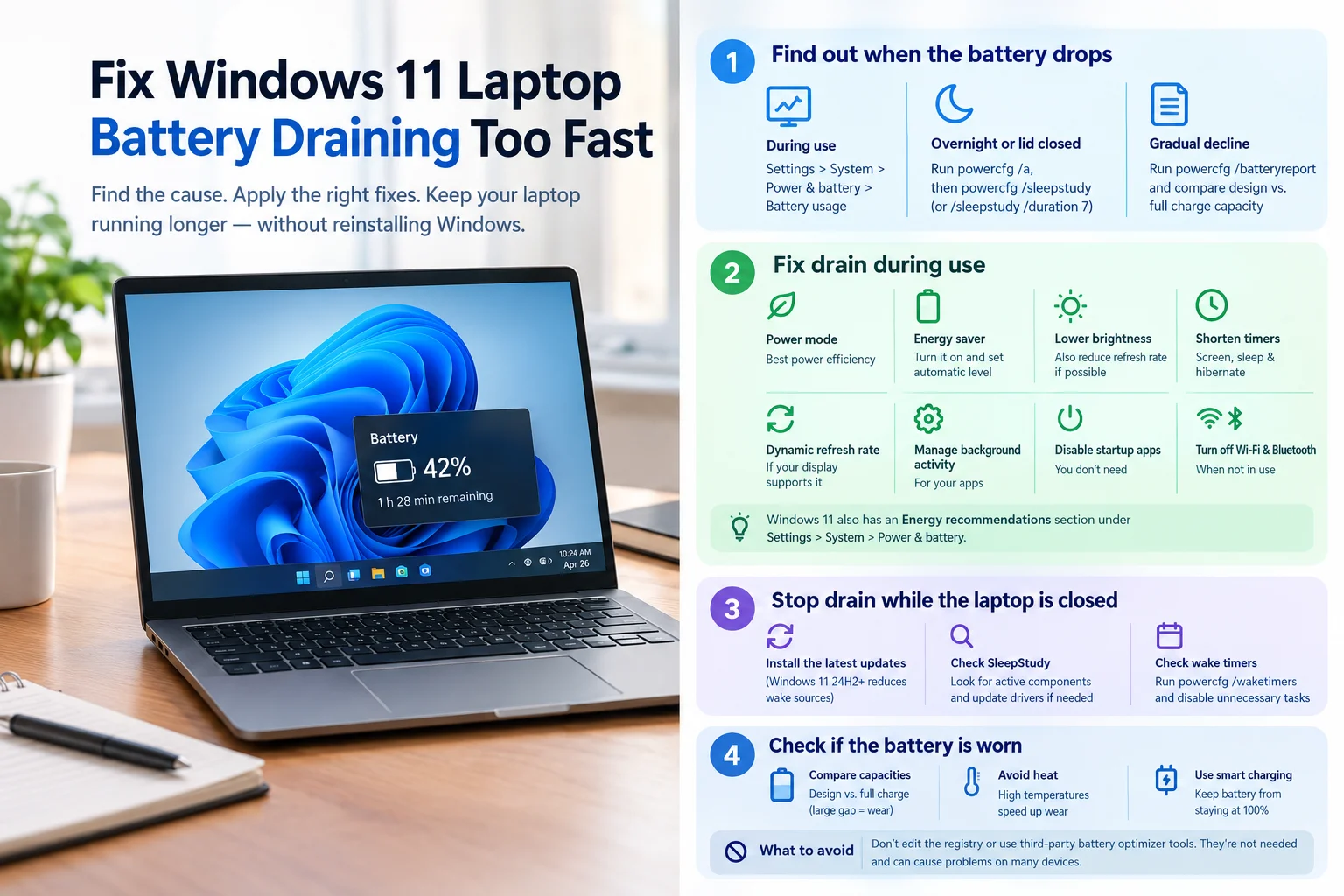
Windows 11 laptop showing battery drain and power-saving settings to help fix fast battery drain.
Computer Problems , How-To Guides , Windows
  • Software Engineer Intern
  • 03 Oct 2026

How to Fix Windows 11 Laptop Battery Draining Fast

If your Windows 11 laptop loses charge faster than it used to, the cause usually falls into one of two groups. Either apps and settings are using power while you work, or the laptop is losing charge while it’s closed…

Read More

Close-up of a glowing TPM 2.0 security chip on a computer motherboard, symbolizing hardware-based encryption for Windows 11.
Windows , Hardware
  • Software Engineer Intern
  • 29 Sep 2026

What Is TPM 2.0, and Why Does Windows 11 Need It?

If you tried to upgrade to Windows 11 and got a message saying your PC “doesn’t meet the minimum system requirements,” there’s a good chance TPM 2.0 is the reason. It sounds like obscure hardware jargon, but it’s actually a…

Read More
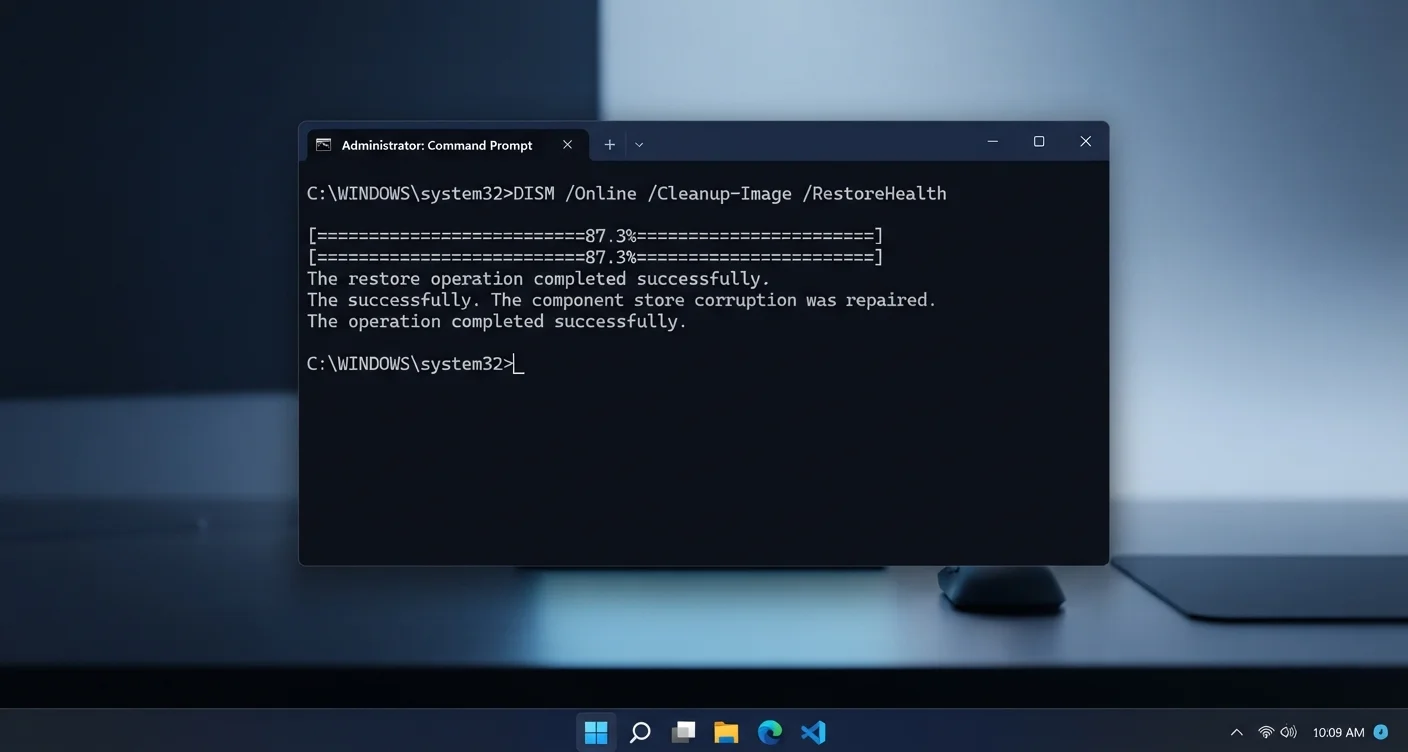
Windows 11 Command Prompt window showing the DISM /Online /Cleanup-Image /RestoreHealth command completing successfully, used to fix error 0x80073712
Files & Storage , How-To Guides , Windows
  • Software Engineer Intern
  • 27 Sep 2026

Windows 11 Error 0x80073712: Complete Fix Guide

If you’re stuck on Windows 11 error 0x80073712, Windows is telling you it can’t finish an update because something in its system files is damaged. Retrying the update won’t help. You need to repair the underlying files first, and that’s…

Read More
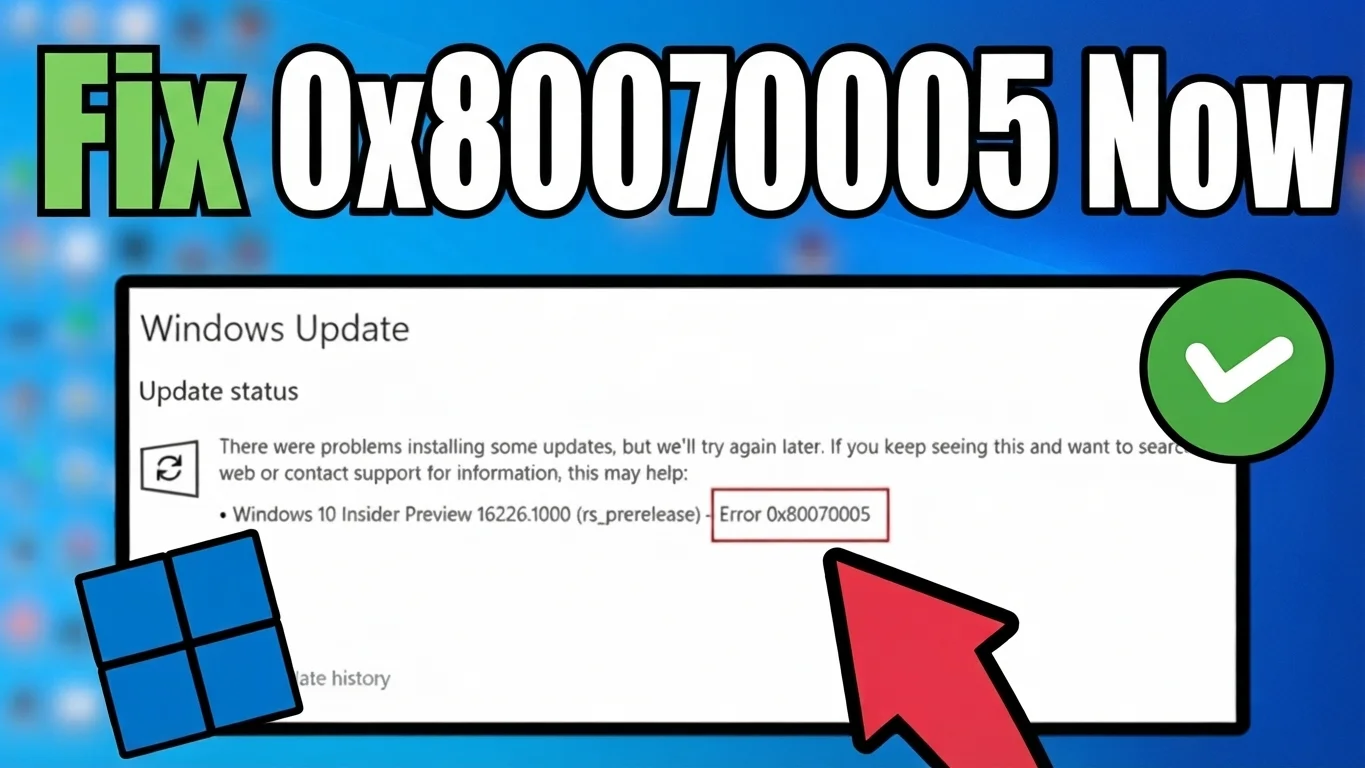
Windows Update screen showing error 0x80070005 access denied, with a red arrow pointing to the error and a green checkmark confirming the fix
How-To Guides , Software , Windows
  • Software Engineer Intern
  • 26 Sep 2026

Fix Error 0x80070005 on Windows 11: Access Denied

If Windows Update just stopped with error code 0x80070005, here’s the quickest way through it. Sign in to an administrator account, then open Settings, go to System, click Troubleshoot, then Other troubleshooters, and run the one labeled Windows Update. Let…

Read More
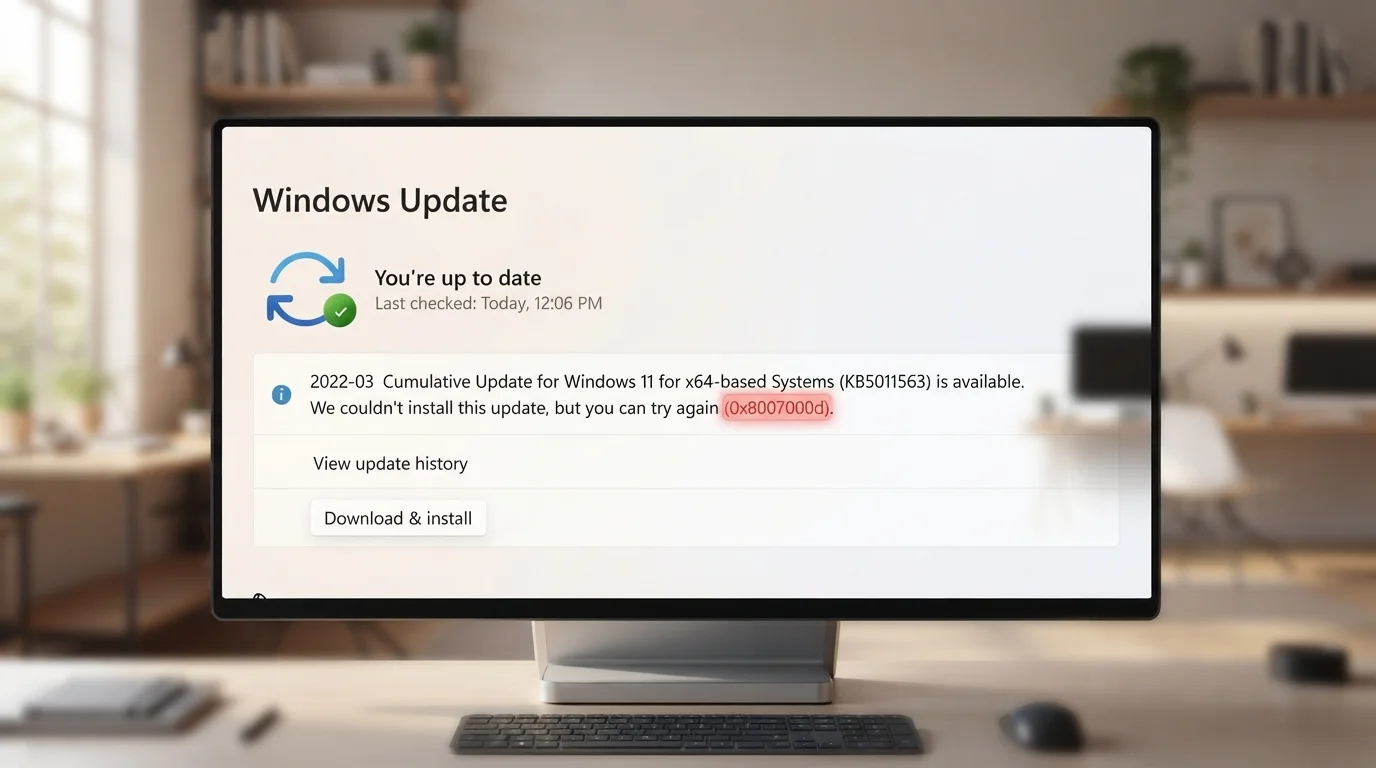
Windows Update screen showing error code 0x8007000d after a failed attempt to install a cumulative update on Windows 11
Software , How-To Guides , Windows
  • Software Engineer Intern
  • 26 Sep 2026

Fix Windows 11 Error 0x8007000D: Full Guide

If Windows Update just stopped with the message “some update files are missing or have problems” and the code 0x8007000D, here is the fastest fix. Open Command Prompt as an administrator and run these two commands one after another: DISM…

Read More
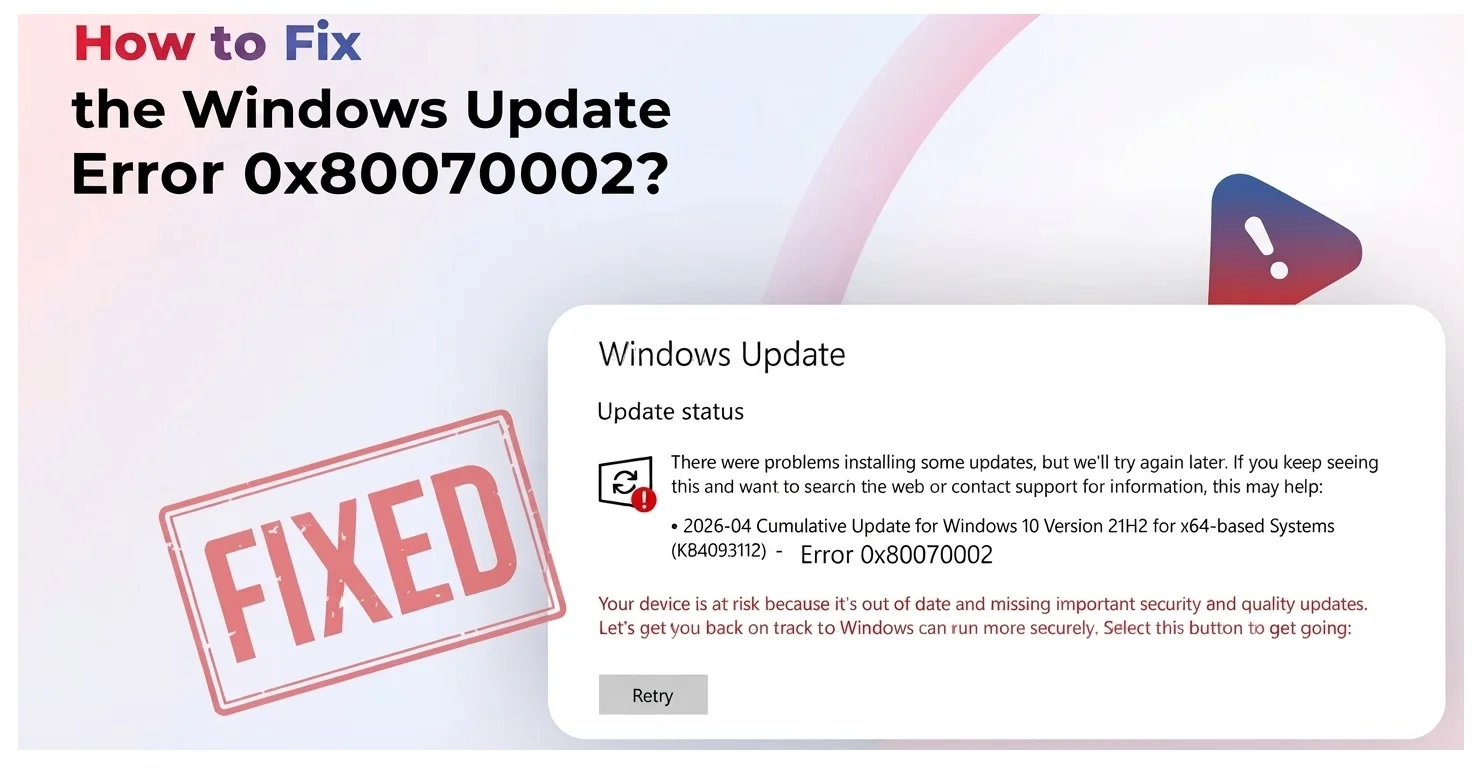
Blog hero image showing a Windows Update error screen with the message "Error 0x80070002" and a Retry button, alongside a red FIXED stamp graphic and bold text reading "How to Fix the Windows Update Error 0x80070002"
How-To Guides , Windows
  • Software Engineer Intern
  • 26 Sep 2026

Fix 0x80070002 Windows Update Error Now With Video Guide

If you are staring at error 0x80070002 on Windows 11, here is the quickest path to a fix. Open Command Prompt as an administrator, stop the update related services, rename the folder where Windows stores update files, restart those services,…

Read More
Search
About This Site

This may be a good place to introduce yourself and your site or include some credits.

Categories
  • Computer Problems
  • Files & Storage
  • Gaming
  • Hardware
  • How-To Guides
  • Internet & Network
  • Security
  • Software
  • Windows
Recent Posts
  • Tech On Dicas: What It Is and How to Use It (2026)
  • Droven .io: What It Is and Is It Legit? (2026 Guide)
  • Marvel Rivals Ranks Explained: Every Tier & Reset 2026
  • RPG World of Warcraft,Gen Con 2026,Cosmere
  • DnD Magic Items: The Complete Beginner’s Guide

Software Engineer Intern

Software Engineer Intern is a technology website dedicated to helping people understand and solve everyday software and computer problems. We publish practical guides, troubleshooting tips, how-to tutorials, and useful information.

Quick Links

  • About Us
  • Contact
  • Privacy Policy

Categories

  • Computer Problems
  • Files & Storage
  • Gaming
  • Hardware
  • How-To Guides
  • Internet & Network
  • Security
  • Software
  • Windows
  • Facebook
  • LinkedIn
  • GitHub
  • Reddit
Copyright © 2026 Software Engineer Intern