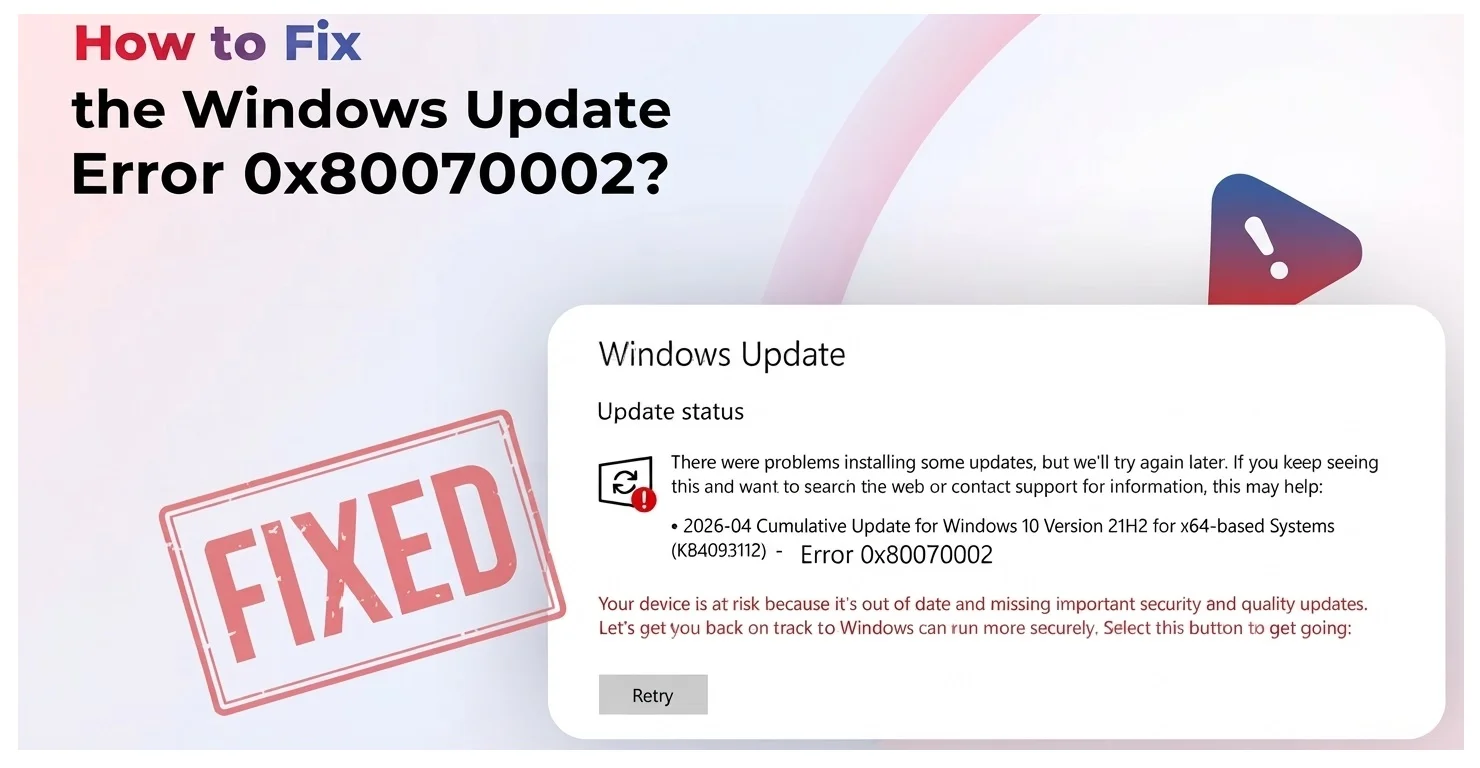
Fix 0x80070002 Windows Update Error Now With Video Guide
If you are staring at error 0x80070002 on Windows 11, here is the quickest path to a fix. Open Command Prompt as an administrator, stop the update related services, rename the folder where Windows stores update files, restart those services,…
Read More