ChatGPT Atlas Discontinued: Use These Top 5 Tools Instead
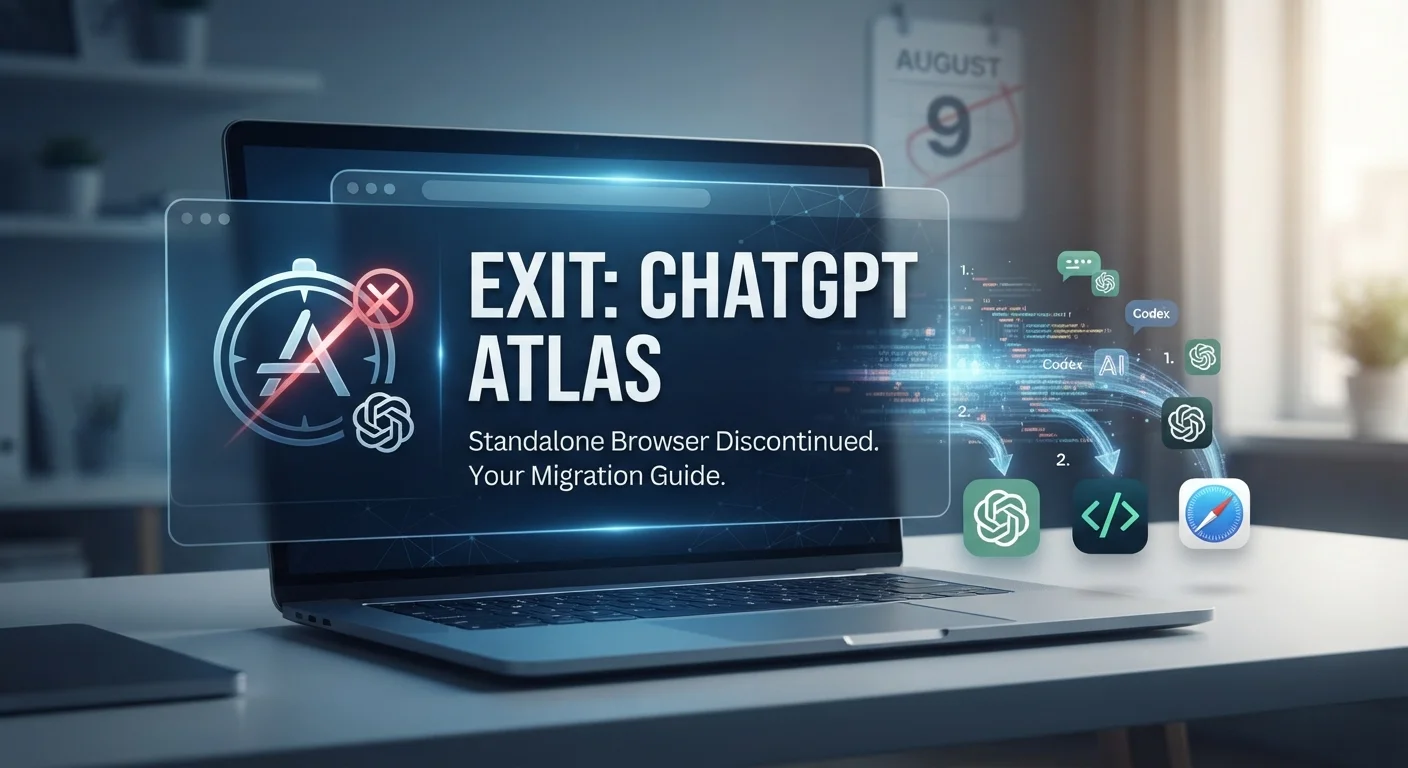
ChatGPT Atlas has been discontinued. OpenAI shut down the standalone browser on August 9, 2026, and moved its browser-based agent work into ChatGPT and Codex, directing former users toward the ChatGPT desktop app, the ChatGPT Chrome extension or sidebar, or another supported browser. If you were using Atlas, here’s what happened to your data and which AI browsers are worth using now.
What Happened to ChatGPT Atlas
Atlas was a Chromium-based browser with ChatGPT built in, released for Macs on October 21, 2025. It never expanded beyond macOS before OpenAI pulled the plug less than a year later.
Is ChatGPT Atlas still available?
No. OpenAI discontinued Atlas on August 9, 2026, and the company says the browser may no longer open, browse, or support agent workflows.
What Happened to Your Atlas Data?
If you still have Atlas installed, or exported data before the shutdown, here’s where things stand:
- Bookmarks did not transfer automatically. OpenAI advised exporting bookmarks as an HTML file before the shutdown so they could be imported into another browser. If you did that, that exported file is what you have to work with now.
- Browsing history did not carry over. History and open tabs did not transfer automatically, and there was no built-in way to move them to another browser.
- Cookies and sessions don’t simply import elsewhere. Session data is tied to the browser it was created in, so logged-in sessions from Atlas won’t carry into a new browser even if you exported cookie files.
- Your ChatGPT conversations are unaffected. Conversation history was always stored separately from Atlas browsing data, so it remains accessible through ChatGPT.
If you didn’t export anything before August 9, that data is most likely gone. There’s no indication OpenAI kept a way to recover it after the cutoff.
AI Browsers to Use Now
Here’s where things stand with the main options as of October 2026.
| Browser | Best For | Pricing | Platforms |
|---|---|---|---|
| Perplexity Comet | Research with cited answers | Browser is free; Comet Plus is $5/mo on its own or included with Pro ($20/mo) or Max ($200/mo) | Mac, Windows, iOS, Android |
| Dia | Tab-aware work assistant | Free tier with usage limits; Pro is $20/mo | Mac now; Windows in public beta |
| Microsoft Edge + Copilot | Microsoft 365 workflows | Free; deeper features lean on a Microsoft 365 Copilot license | All platforms |
| Brave + Leo | Privacy-focused AI browsing | Free, no account required; Premium is $14.99/mo | All platforms |
| Opera Neon | Agentic automation | Browser is free; AI agent features require a $19.90/mo subscription | Windows, macOS |
Perplexity Comet
Comet builds AI answers directly into the browser rather than handing you a list of links. The browser itself is free across Mac, Windows, iOS, and Android, which is wider platform coverage than any other option on this list. Comet Plus, an add-on that unlocks premium licensed publisher content, costs $5 a month on its own, or comes bundled if you’re already paying for Perplexity Pro or Max.
Dia
Dia comes from The Browser Company, the team that built Arc, following Atlassian’s acquisition of the company. It’s built around chatting with your open tabs rather than a single sidebar assistant. It has been Mac-only for most of 2026, with Windows listed as in development on a waitlist.
That changed over the summer: The Browser Company announced in late July 2026 that a Windows version would arrive that fall, and by August it was running as an active public beta with thousands of testers. A full Windows release hadn’t been confirmed as of this writing, so Mac remains the more stable option for now.
Microsoft Edge with Copilot
Edge doesn’t ask you to switch browsers at all. A May 2026 update gave Copilot the ability to read and compare content across every open tab at once, and its AI features connect to Word, Outlook, and other Microsoft 365 files you’re already using. Outside the Microsoft ecosystem, those integrations don’t apply, so the value depends heavily on whether you’re already in that ecosystem.
Brave with Leo
Brave hosts Leo through its own infrastructure, offering models including Qwen, Llama, and Claude variants, and the company states that conversations aren’t recorded or used for training. No account or login is required for the free tier. Leo Premium runs $14.99 a month for higher usage limits and larger models. This is the option if minimizing what a browser knows about you matters more than having the most capable agent.
Opera Neon
Neon splits into two pieces. The browser itself can be downloaded and used for free, including connecting your own AI agents through MCP or a command-line tool. Neon’s own AI capabilities, including autonomous browsing, deep research, and automation features, require a separate Standard subscription.
That subscription runs close to $20 a month. If you just want the browser, it costs nothing; the price applies specifically to Opera’s own agent layer.
Which One Fits Your Situation
- Want AI answers built into search across the most devices? Comet covers the most platforms of the group.
- Living inside Microsoft 365 all day? Edge’s Copilot integration ties directly into Word, Outlook, and Teams.
- On a Mac and want something tab-aware? Dia is available now; Windows is still in beta.
- Want to limit what a browser knows about you? Brave with Leo requires no account for its free tier.
- Want an agent that acts on tasks autonomously? Opera Neon separates free browsing from paid automation, so you can try the browser before deciding on the subscription.
FAQ
When did ChatGPT Atlas shut down?
OpenAI discontinued ChatGPT Atlas on August 9, 2026.
Is ChatGPT Atlas still available?
No, OpenAI discontinued Atlas on that date, and the browser may no longer open, browse, or support agent workflows.
Did my Atlas bookmarks and history transfer to a new browser?
No. Bookmarks, open tabs, and history did not transfer automatically, and users needed to export that data manually before the shutdown.
Will I lose my ChatGPT conversation history now that Atlas is gone?
No. Conversation history was stored separately from Atlas browsing data and remains accessible through ChatGPT.
What replaced Atlas?
OpenAI moved browser-based agent capabilities into ChatGPT and Codex rather than continuing Atlas as a standalone browser.
Is Perplexity Comet free?
The Comet browser is free. A separate add-on, Comet Plus, costs $5 a month, or comes included with a paid Perplexity Pro or Max plan.
Conclusion
If you still have exported bookmarks or files from Atlas, that’s what you have left; there’s no indication OpenAI preserved anything beyond that after August 9. Going forward, OpenAI is directing former Atlas users toward ChatGPT and Codex for browser-based AI work. Outside of that, Comet, Dia, Edge, Brave, and Opera Neon each take a different approach, and which one fits depends mostly on which platform you’re on and how much you want a browser acting on your behalf versus just answering questions.
